 habstick
Designed to blend into your iPhone home screen
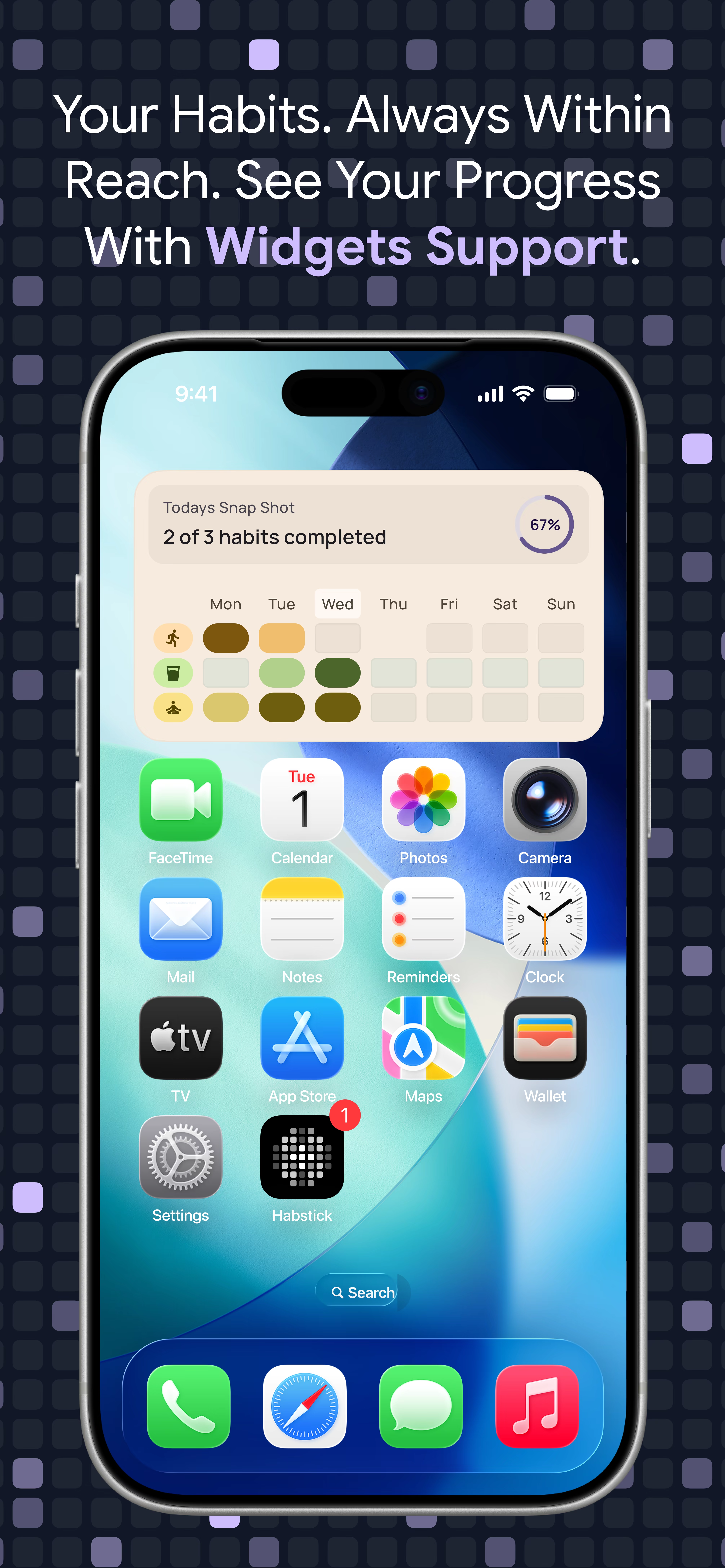
Add clean, rounded HabStick widgets to any iOS home screen page or Smart Stack to monitor your weekly check-ins without opening the app.
Out of sight usually means out of mind. HabStick brings calm, color-coded habit widgets to your iPhone and Android home screen so your daily rhythm stays one glance away.
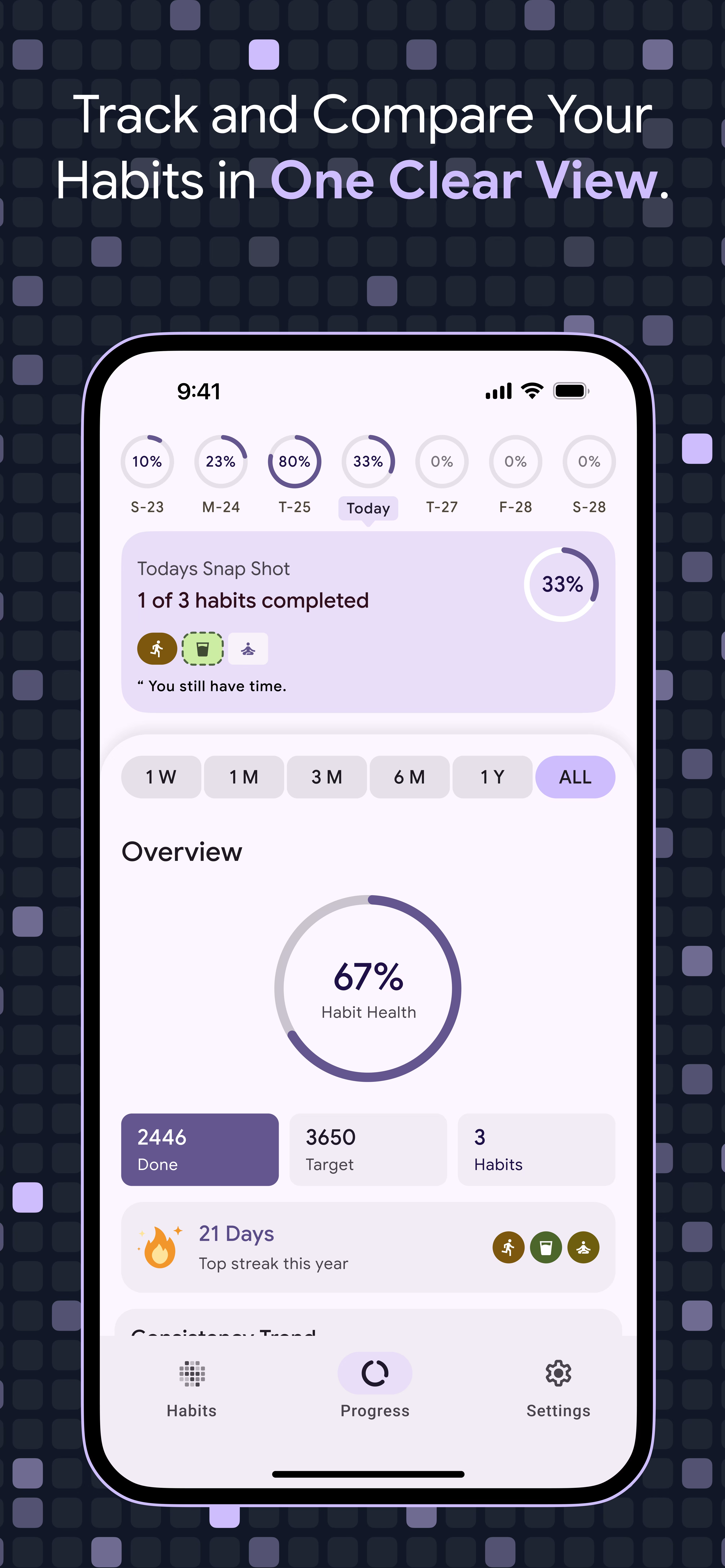
Even the best habit tracker can't help if you forget to open it until midnight. Notification overload makes it easy to swipe away reminders, leaving your most important routines unfinished.
HabStick's iOS habit widgets and Android home screen habit tracker widgets place your weekly consistency directly alongside your everyday apps. Every time you unlock your phone, a calm visual nudge reminds you what still needs attention today.
Minimalist design that respects your time and attention.
Add clean, rounded HabStick widgets to any iOS home screen page or Smart Stack to monitor your weekly check-ins without opening the app.
Pin your most important routines directly to your Android launcher for instant visual accountability throughout the day.
Because HabStick stores your habit records locally on your device, widgets stay fast, accurate, and available even when you're offline.
Combine home screen widgets with custom per-habit notification times so morning and evening routines never slip through the cracks.
Less searching through menus. More showing up every day.
Set up the daily or weekly habits you want front-and-center with distinct colors and icons.
Open your device's widget gallery, search for HabStick, and place the widget where you'll see it naturally.
Every check-in immediately reflects on your home screen widget, keeping your momentum visible all week long.
Explore more HabStick capabilities:
Yes. HabStick supports home screen widgets on both iPhone (iOS) and Android devices.
Yes. Because HabStick is a local-first, offline habit tracker, your widgets read directly from on-device storage and do not require an internet connection.
No account is required. You can install HabStick, create your habits, and place widgets on your home screen without signing up.
Free to start on iOS and Android. No login, no clutter—just your habits.